Creative scenes
Turning everyday objects into miniature worlds
Choose a familiar object, give tiny characters a clear task, and use a few visible clues to make the change of scale readable.
Written · FunnyBanana
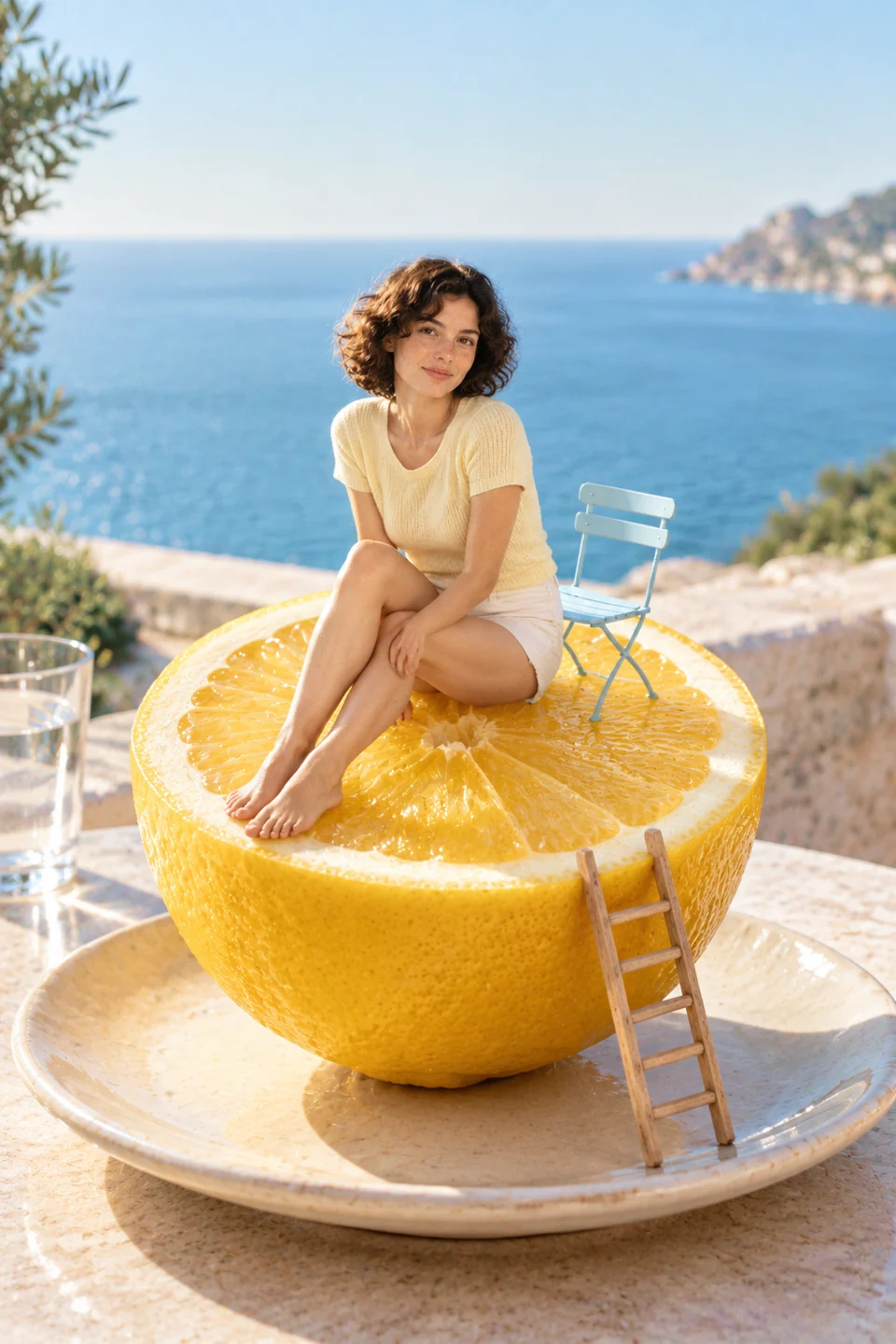
Choose an object people can recognize
A miniature world works best as an idea when viewers can understand both the ordinary object and the tiny activity around it. Begin with a simple shape: an ice pop, a paper roll, a carrot, or a coffee mug. The object becomes the setting rather than just a prop somewhere in the background.
Decide which feature will host the activity. A curved edge can become a hillside. A paper roll can suggest a construction site. A mug handle can become a climbing route. Give the scene one central idea before adding lots of small characters.
Give the tiny crew a clear task
Characters make a scale change easier to read when their actions fit the object. A maintenance crew inspecting an ice pop, builders arranging supports around a paper roll, or gardeners tending a carrot each suggests a different little story. The activity can be quiet or playful; it does not need a punchline.
Name the task and two or three details that support it. Ladders, helmets, tools, and a small working platform can show what is happening. A crowd of unrelated props can make the scene harder to read, especially when the final image is small.
Use visible clues to show the scale
Words such as tiny and giant express the intention, but the composition still needs clues that a viewer can see. Place characters beside a familiar feature of the object. Show a ladder reaching only partway up, a tool held by a worker, or a table surface beneath the scene.
Think about the camera position. A closer view may reveal small actions; a wider view may make the ordinary object more recognizable. Choose which is more important for your idea, then describe the angle and the space around the object.
- One recognizable object anchors the scene.
- The characters have a task that relates to the object.
- Tools or surrounding objects provide a size comparison.
- The main action remains clear when the image is viewed small.
Use light and background to support the story
Light can make the same idea feel like a tabletop photograph, an illustrated scene, or a quiet imaginary landscape. Choose a direction you can describe: soft window light, warm evening light, or even studio light. Ask for shadows that belong to the same scene instead of mixing several lighting directions.
A simple background gives the miniature activity room to stand out. If you want a kitchen table or a garden setting, keep it connected to the object and avoid adding another competing story behind it. The setting should help explain the little world.
Review the little world as a whole
First ask whether the object and the activity are immediately understandable. Then check the number and placement of characters, the proportions of tools, and the points where people or objects meet the surface. A convincing scale idea can still contain distracting merged shapes or unexplained props.
Different objects can explore one theme without being versions of the same input. Treat an ice-pop scene, a paper-roll scene, and a carrot scene as separate compositions unless you have a genuine source-and-result record. An illustrative scene can teach an idea; it does not prove an editing workflow has reproduced it.
Questions about this idea
Do I have to start with a photograph?
No. You can plan a scene in words, or use a permitted photo as a reference where an editor supports it. The description should make clear whether you want a new composition or a change to that particular photo.
Are several similar scenes a before-and-after example?
No. Similar themes are not evidence of a shared input. A before-and-after example needs a real source image, a corresponding output, and a clear explanation of the edit.
Put your idea into words.
Upload your own photo in Create, then describe what to keep and what to change.
Uses 1 creation when the image succeeds · Private by default
Bring your image · Explore miniature ideas