Find your next possibility.
Your photo. A clear play. A picture you want to keep.
Explore image plays · Edit your own photoBrowse by category
Published image plays
The published collection is being prepared. You can still edit your own photo or browse our practical guides.
Learn how to shape the image
- How to describe a photo edit
For a photo edit in FunnyBanana Create, start with your own photo and a request: what to keep, what to change, and what to check in the generated image.
- 1970s or 1990s? Choosing a photo look
A decade is a starting reference. Color, light, texture, styling, and composition make the direction easier to describe.
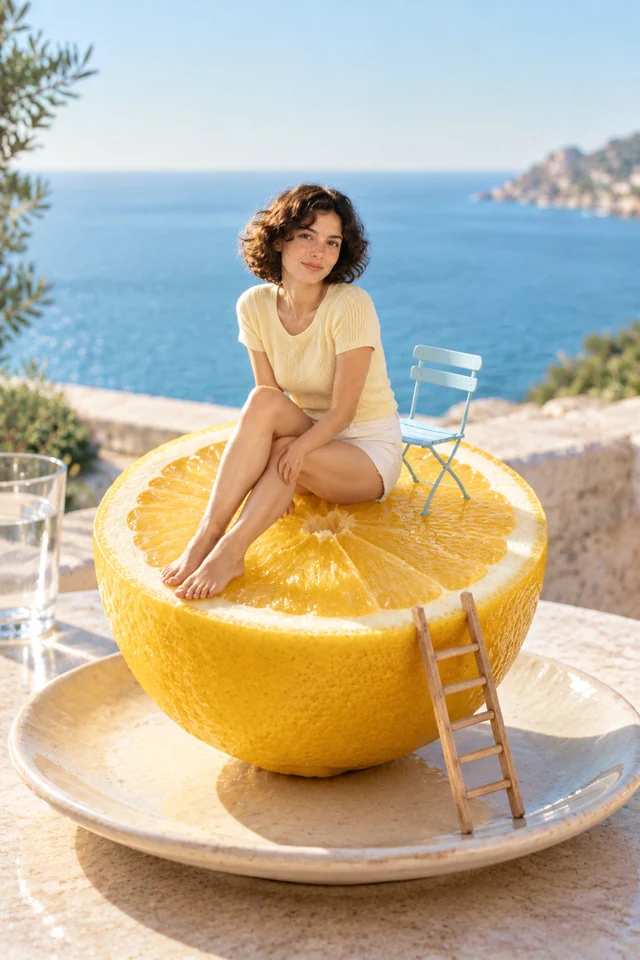
- Turning everyday objects into miniature worlds
Choose a familiar object, give tiny characters a clear task, and use a few visible clues to make the change of scale readable.
How FunnyBanana works
- Choose a published image play and read its input requirements, or bring your own photo to Create.
- Upload a photo when the play supports it and choose its available details. In Create, describe the changes you want.
- Create your version, check the result, then download or share it.
Results stay private by default in the app. Review faces, hands and text before sharing.
Before you make it yours.
What is an image play?
An image play starts with a clear visual setup and a published example. Choose a result you like, adjust the available details, then create your version without leaving the play. You do not need to write a complex prompt. If you have a different idea, bring your own photo to Create and describe the changes you want.
Do I need a photo or a prompt?
Each play explains its inputs and limits, including whether it accepts a photo. For photo-based plays, follow the photo guide and use a clear, well-lit image you have permission to use. Choose the available details rather than building a prompt from scratch. AI results can vary; check faces, hands and text before keeping or sharing your image.
Are my photos and results private?
Reference photos are private, and new results stay private by default. Your result is not added to Discover. You can download it or choose to share it with an unlisted link. Generation and safety providers process the content needed to fulfil your request; see the Privacy Policy for details.
Browsing does not consume creations. See Pricing for plans, creation allowances and current purchase availability. Plans & pricing