Halloween looks · Image play
AI Halloween costume try-on from your selfie
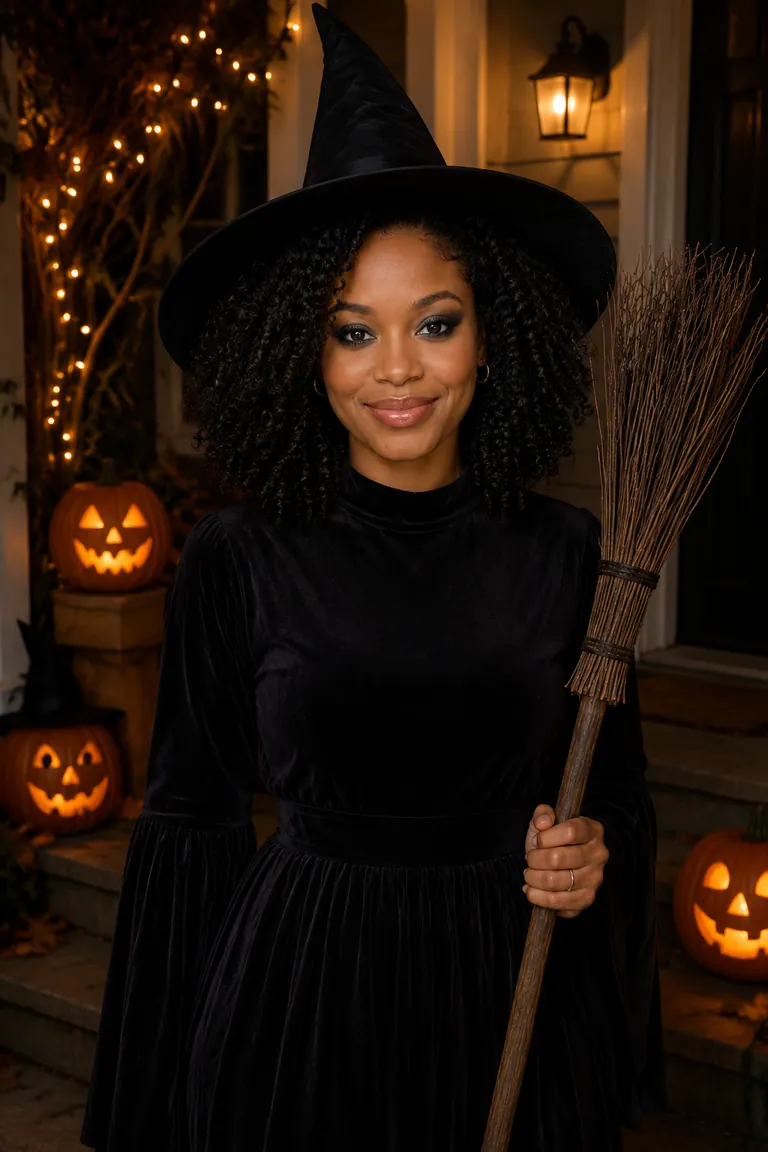
Make a Halloween costume try-on image from one clear adult selfie. Choose a classic costume, select a Halloween scene or the available original-background direction, and pick a portrait or square image. A selfie emphasizes the face and makeup; a waist-up reference can give the outfit more room. Review your face and the generated costume before using the image as a seasonal portrait.
Create yours
One clear adult face. Modest classic costumes only. Photos stay private by default.
Best input:
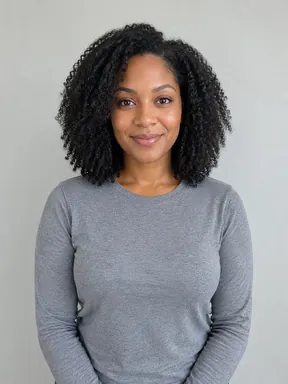
A sharp, front-facing adult selfie or waist-up photo with the whole face visible.
Waist-up shows more of the costume; a head-and-shoulders shot suits a square profile picture.
Enable JavaScript to upload privately and create your image.
Same selfie, every costume
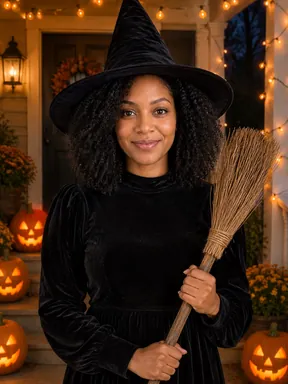
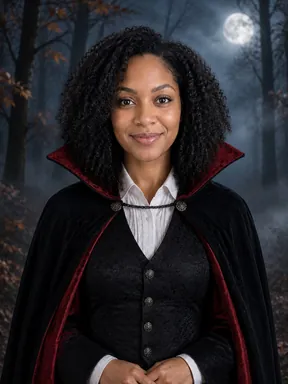
One photo in, seven costumes out. Pick a model to compare, then tap a look to set it up.
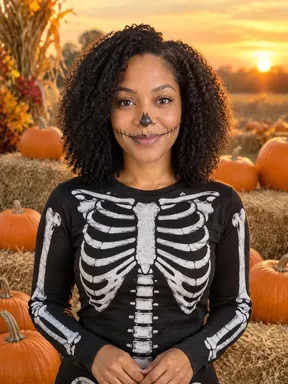
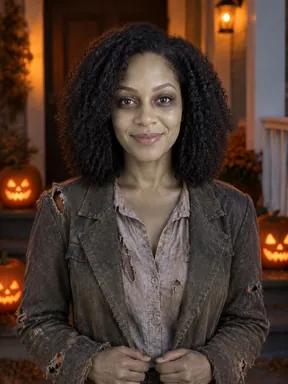
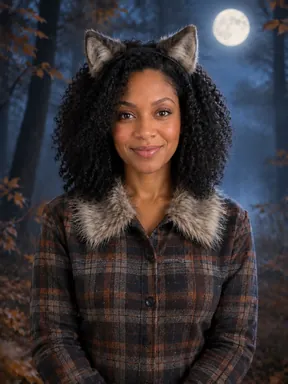
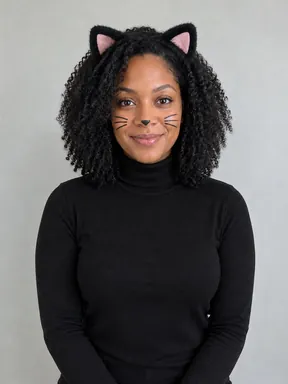
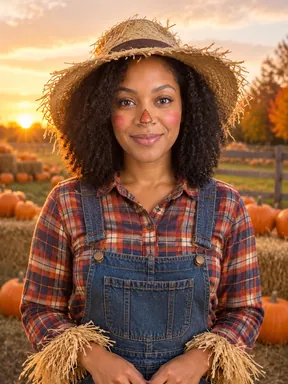
Halloween costume try-on examples
Upload one selfie. See witch, vampire, and skeleton costume ideas.
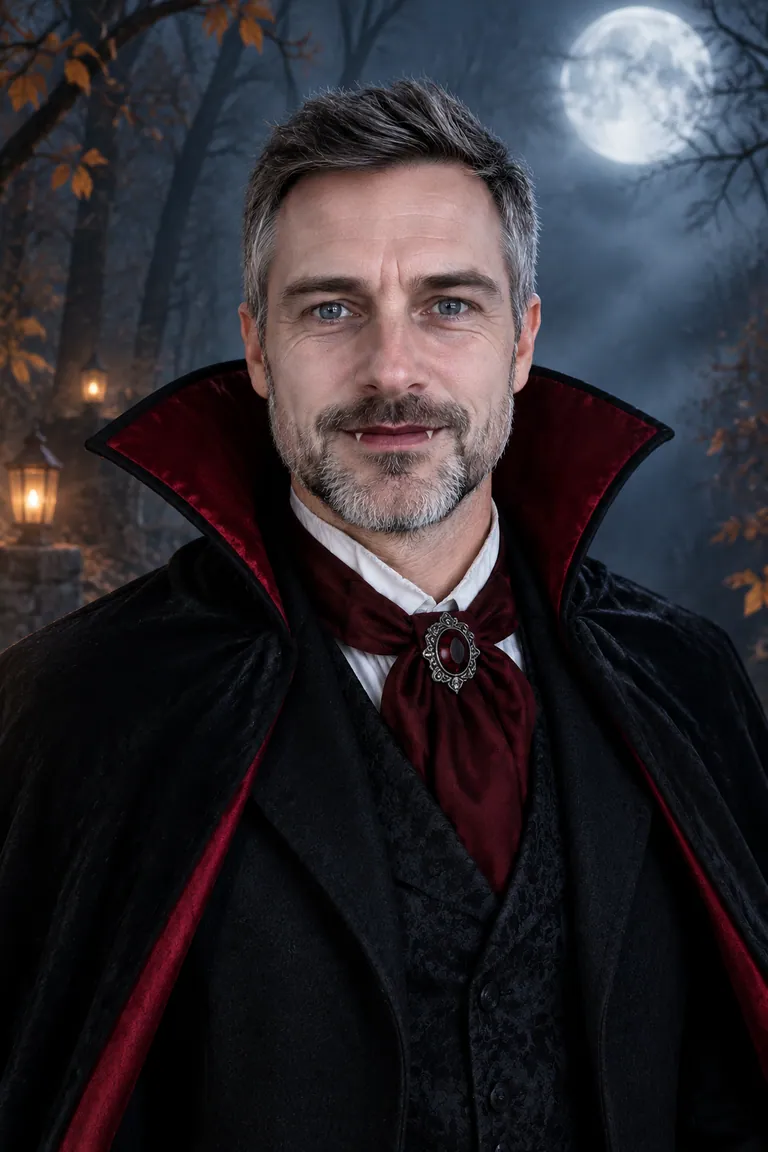
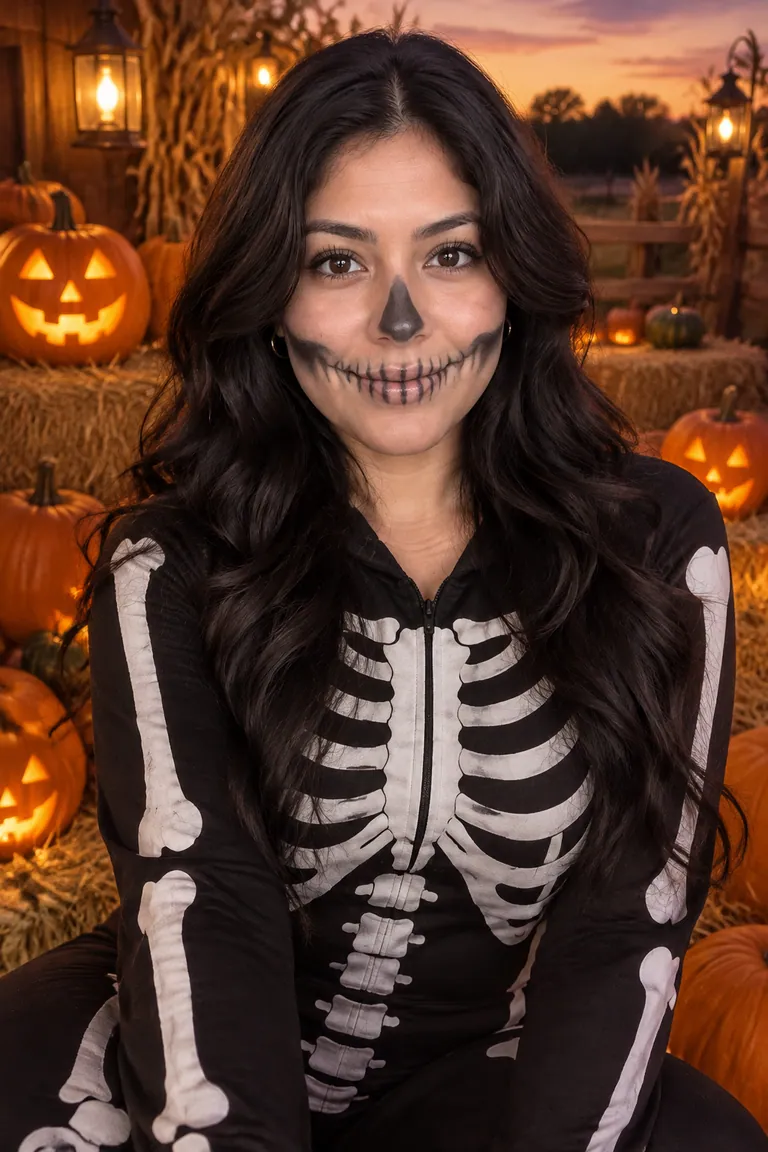
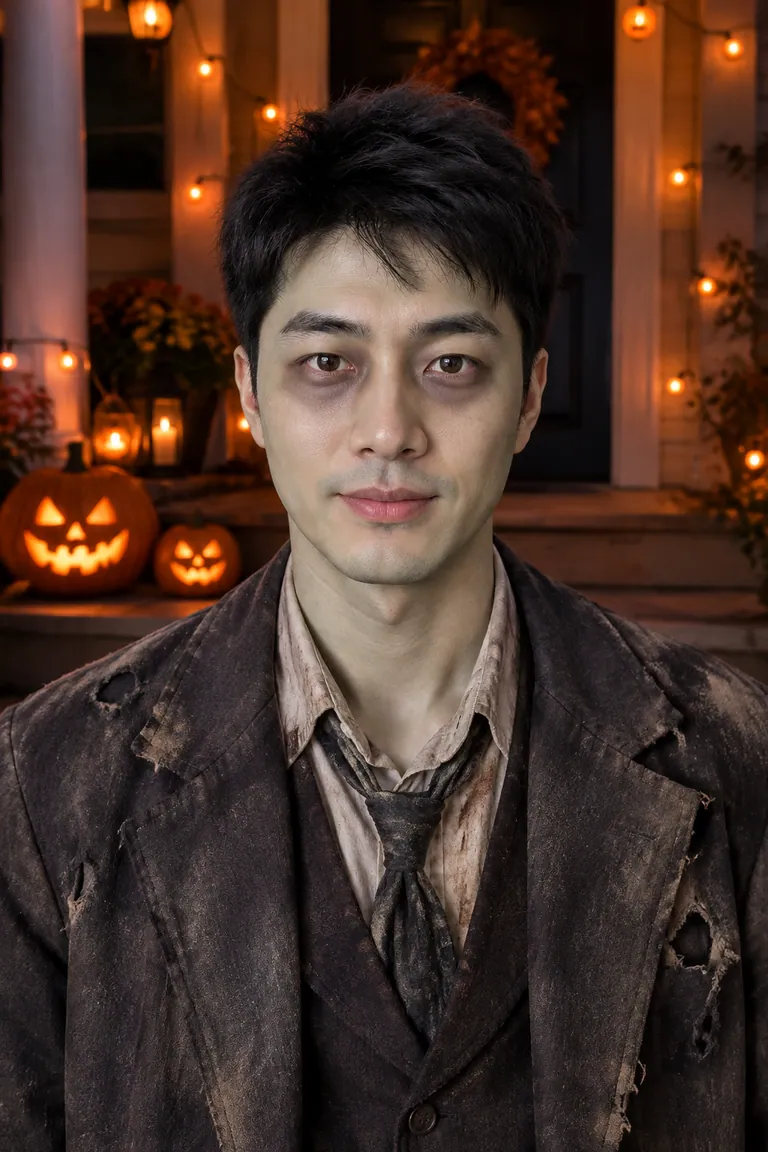
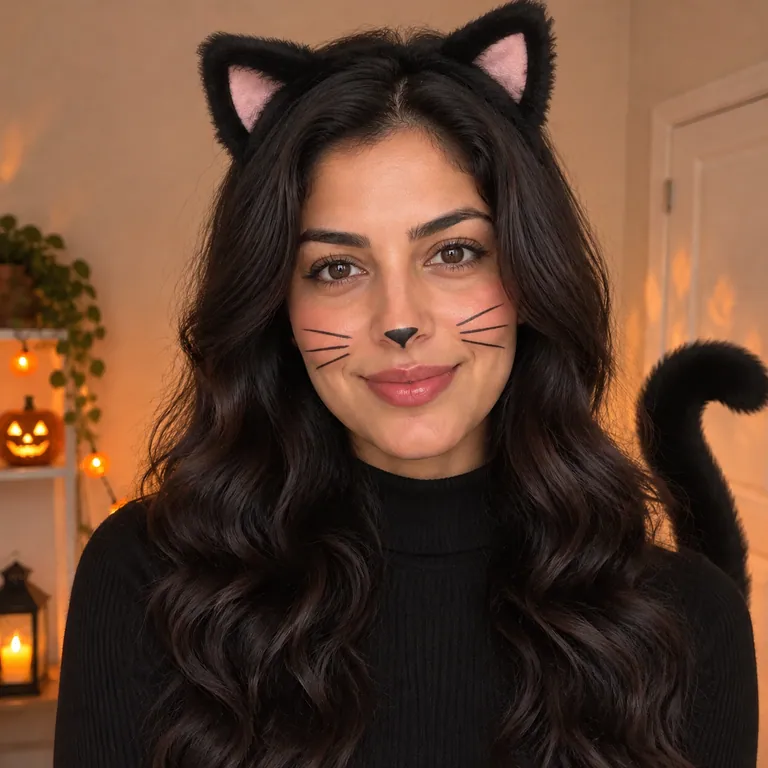
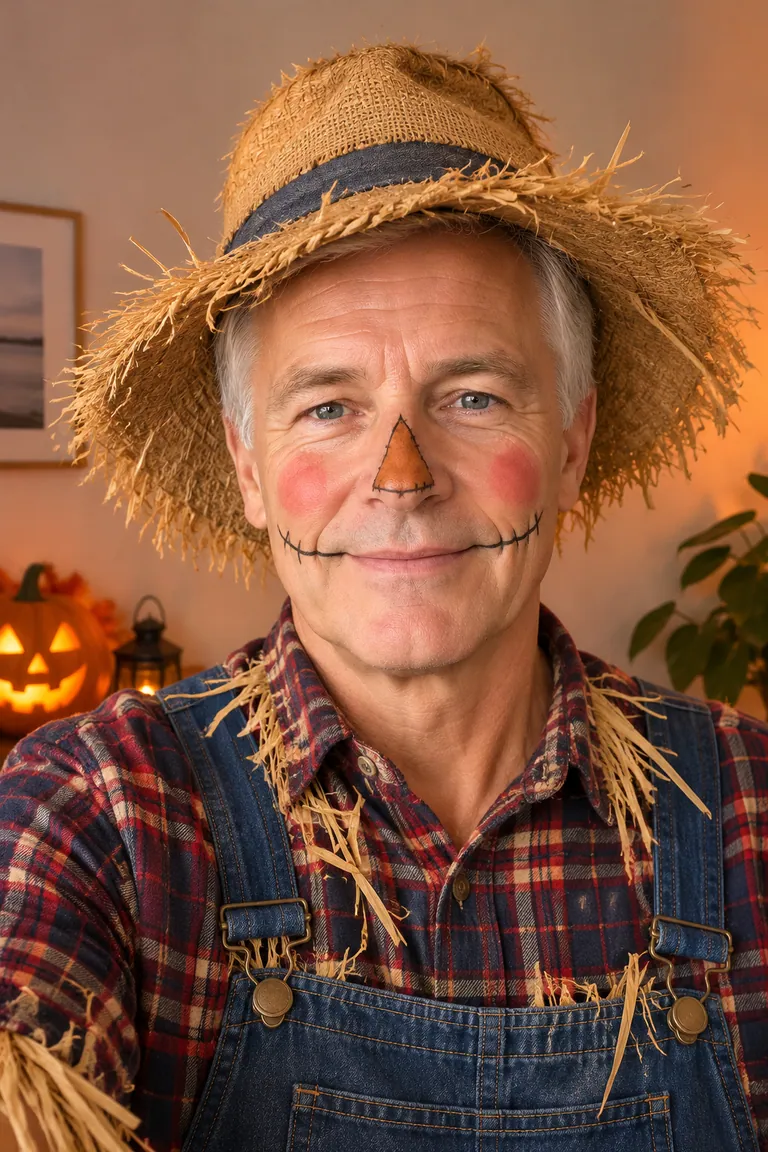
How to use the Halloween costume try-on
- Upload one clear adult selfie — whole face visible, even light.
- Pick a costume, then a scene and an output shape — portrait or square.
- Create your look, check it still reads as you, then download or share. Failed runs don't use a creation.
One clear adult face. Modest classic costumes only. Photos stay private by default.
Choose a Halloween costume try-on direction
The Costume selector offers Witch, Vampire, Skeleton, Zombie, Werewolf, Black cat and Scarecrow. Decide whether the outfit silhouette or face styling should lead the image. A hat or cape creates a different emphasis from skull paint or a cat-ear direction. Choose a Halloween costume try-on by comparing the published examples, then inspect your own result. The preset guides the theme; individual garments, textures, makeup details and poses are generated rather than separately selected.
Witch and Vampire offer familiar headwear or cape directions. Skeleton and Zombie put more attention on makeup, while Werewolf can change the facial appearance more substantially. Black cat suggests a lighter animal-themed look, and Scarecrow moves toward a rustic outfit. All are modest, classic party themes. Use the Halloween costume try-on to compare a visual direction on your reference, and check that generated makeup has not made the eyes, nose or mouth difficult to recognize.
Choose a selfie or a waist-up reference
Start with one adult in a sharp, front-facing photo. A head-and-shoulders selfie gives the face and makeup more emphasis, which can suit a seasonal profile picture. Choose a waist-up reference if you want more space for the generated clothing and its silhouette. In either case, keep the whole face visible and evenly lit. Before starting a Halloween costume try-on, remove references with sunglasses, a mask or hands covering features you will need to compare afterward.
Leave room around the head, especially when a hat or ears are central to the look. Avoid a heavy filter that has already changed your face, and choose a photo you have permission to edit. A wider reference supplies more body context, but does not lock the original pose or garment fit. Keep the source available while reviewing the finished image so a new costume does not distract from changes to the person.
Set the scene for your Halloween costume try-on
Scene offers Night porch, Pumpkin patch, Misty woods and Keep my background. A porch gives the image a decorated entrance direction, while a pumpkin patch suggests an autumn outdoor setting. Misty woods creates a more atmospheric backdrop. Choose a setting that keeps the clothing and face readable. For a Halloween costume try-on with dark fabric or detailed makeup, inspect the separation between the subject and shadows rather than judging only the mood of the scene.
Keep my background uses the original surroundings as a direction when you prefer a familiar setting. This helps focus the comparison on the outfit, but the image is still generated. Inspect walls, furniture, plants and the outlines around hair and shoulders instead of expecting the background to stay identical. This choice does not turn the picture into a measurement of a real outfit. Use the result to consider styling and color, then assess physical clothing separately.
Choose portrait or square for the finished image
Output shape has two choices: Portrait 3:4 and Square 1:1 (profile picture). Choose portrait when a taller composition will give the costume more room. A square Halloween costume try-on is useful when the face is the main subject and you plan to use the image as a seasonal avatar. The shape changes the canvas direction, while the model still creates the composition. It does not guarantee an identical crop, pose or amount of visible clothing across different results.
Review a square result at small and large viewing sizes. Headwear, ears and face paint should remain understandable when the picture is reduced. Leave enough space around important details if you later crop the download for a profile, since some services display square images inside a circle. For a portrait, inspect the shoulders and visible clothing edges along with the face. Choose the format before generating, based on the image you actually intend to use.
Check the face, makeup and costume edges
Compare your Halloween costume try-on with the source before keeping it. Check the eyes, mouth, facial outline, hair and skin tone, then look at the makeup. With Skeleton, Zombie or Werewolf, distinguish the intended styling from a changed identity. A striking theme is not evidence that the person stayed accurate. Published outputs show possible looks; without corresponding input photographs, they cannot prove how closely every feature was preserved or predict the likeness of your own generated portrait.
Next inspect the clothing where it meets the body: collar, sleeves, shoulders and any visible hands. Look for extra accessories, unclear garment edges or a hat that merges into the hair. Check background transitions at the size you plan to share. Keep the Halloween costume try-on when both the person and outfit work for you. If something important is wrong, decide whether a clearer reference, another costume or a different scene would address it.
Halloween costume try-on questions
Can a Halloween costume try-on predict real clothing fit?
Use the image to compare a costume theme, colors or makeup direction around your face. It does not measure your body or show a particular garment's fabric, sizing or comfort. The Halloween costume try-on creates a new styled picture rather than a fit simulation of a retail product. If you later buy clothing, check that product's measurements and materials separately instead of using the generated silhouette as sizing evidence.
Will the Halloween costume try-on look exactly like my selfie?
The selfie guides the portrait, but the model can change facial details, hair, skin tone and expression. Some costume directions also alter appearance through makeup or animal styling. Review your Halloween costume try-on against the reference, focusing on the eyes, nose, mouth and face shape before the outfit. A clear source helps you make that comparison; it does not guarantee an exact likeness or an unchanged pose in the result.
Can I use a child's photo or include two people?
This page accepts one reference photo and is designed for one adult. Choose a single adult selfie or waist-up portrait with a visible face. For two adults in coordinated outfits, use the separate couple page, which takes two references and offers paired looks. The single-person Halloween costume try-on does not provide a group-costume control, and children's photos are outside this page's adult portrait requirement.
Can I choose a movie character or gruesome makeup?
The available looks are original classic costumes with modest, party-friendly styling. The page does not offer franchise characters, celebrity looks, logos, revealing outfits, wounds or gruesome injury effects. Choose one of the seven themes in Costume and a setting in Scene. A Halloween costume try-on requests that overall direction, so review the actual generated makeup and clothing instead of expecting the exact appearance of a named fictional character.
Is my Halloween costume try-on private, and can I try again?
Uploads and results are private by default. You can download a reviewed result or choose to share a link that people with the link can view. Another successful Halloween costume try-on uses another creation, even if you did not like the previous completed image. Confirmed technical failures return the creation for that attempt. Before creating again, identify the selection or source issue you want to change so the next comparison is useful.